Mechanical Keyboards 101: What to Know Before Your First Board
Switches, layouts, and the rabbit hole — a plain-English primer for the keyboard-curious.
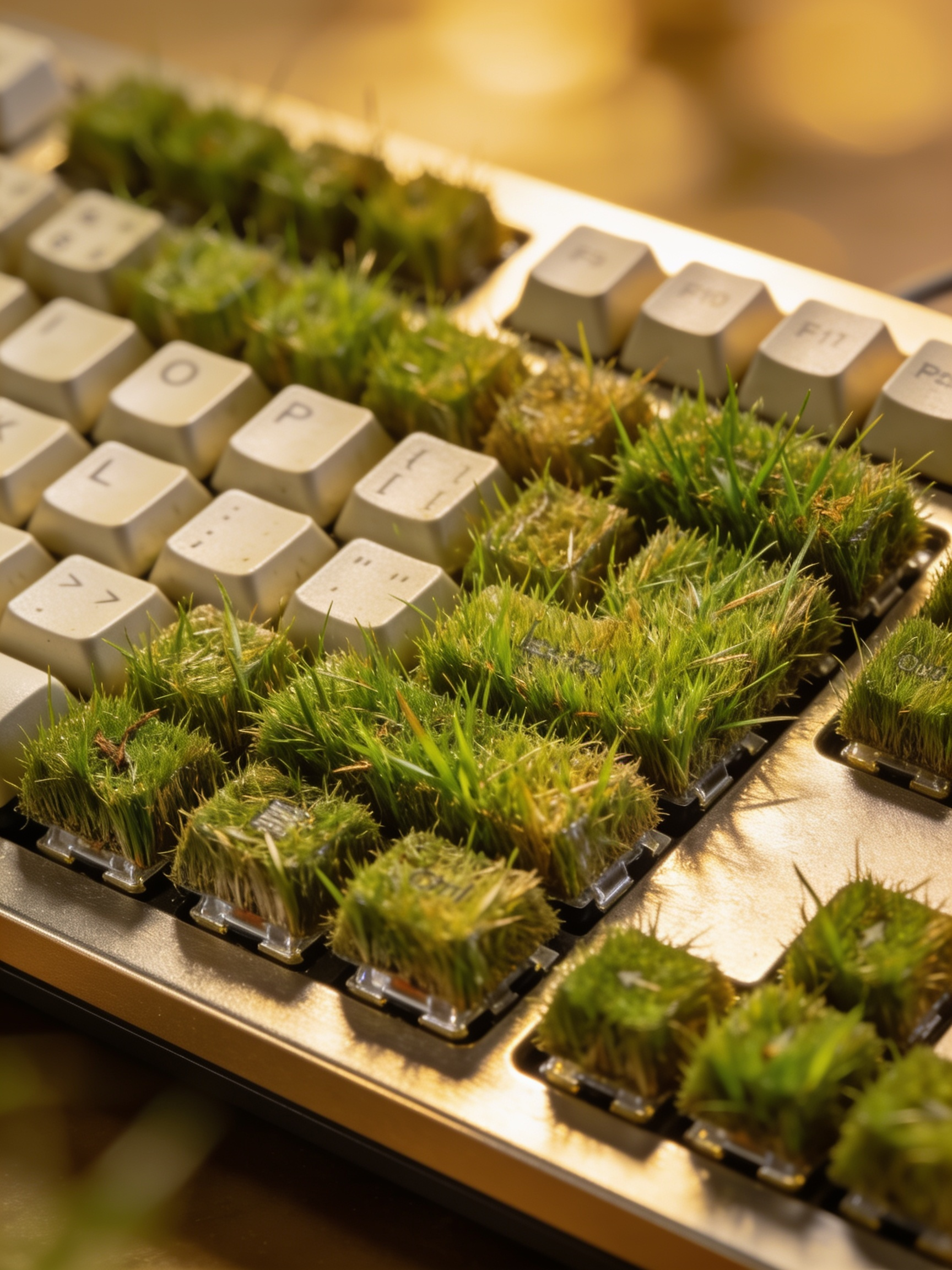
Mechanical keyboards have escaped the gaming dungeon and gone fully mainstream, which means the beginner now faces a wall of jargon — linear versus tactile, hot-swap, 65% versus TKL, "thocc" — invented by an enthusiast community that loves precision and has never once met a newcomer where they are. This is the primer we wish we'd had: the four decisions that matter for a first board, and the dozen that don't yet.
Decision 1: Switch feel — there are only three answers
Every switch, regardless of brand or color-code, is one of three things. Linear switches travel smoothly down with no bump — favored by gamers, quiet-ish, and the easiest to type fast and sloppily on. Tactile switches have a small bump where the keypress registers — the most popular choice for typists, because your fingers learn where the actuation point is. Clicky switches add an audible click to that bump — deeply satisfying to you and a workplace-relations incident for everyone within twenty feet.
Our advice: buy a $15 switch tester before you buy a $120 board, or at minimum start tactile — it's the middle path most people land on anyway.
Decision 2: Size — smaller than you think, bigger than the hobby says
Layouts are named by percentage of a full keyboard. Full-size (100%) includes the number pad; TKL (~80%) drops it; 75% squeezes the same keys tighter; 65% drops the function row; 60% drops the arrows. The enthusiast community will push you small because small boards look fantastic. Resist, slightly: in our office, every first-time buyer who went 60% repurchased within six months because they missed dedicated arrow keys. The honest sweet spot for most people is 75% or TKL — meaningfully more desk space, nothing you'll actually miss.
Decision 3: Hot-swap is the one premium worth insisting on
A hot-swap board lets you pull switches out with a tool and press new ones in — no soldering. For a first board this is the single best feature you can buy, because it converts every future curiosity ("would I like linears better?") from a new-keyboard purchase into a $40 experiment. It also means a spilled coffee or a dead switch is a repair, not a funeral. Hot-swap has trickled down to $60 boards; there's little reason to buy a first board without it.
Decision 4: Set a budget wall at $150
A first-board budget of $80–150 buys hot-swap, decent stock switches, and respectable build quality from any of a dozen reputable makers. Past $150 you are paying for materials (aluminum cases, group-buy keycaps) whose value you can't yet perceive — the keyboard equivalent of buying a $4,000 road bike before your first spin class. The hobby will happily take that money from you later, once you know what you like. It can wait.
Things you are allowed to ignore for now
- Keycap material debates (PBT vs. ABS) — real, but a $30 upgrade you can make anytime
- Lubing switches — a genuine improvement and a genuine afternoon of your life; later
- Custom cables, artisan keycaps, group buys — cosmetics with waiting lists
- The sound-test YouTube spiral — every board sounds different on your desk than on a microphone
The bottom line
First board: tactile switches unless a tester tells you otherwise, 75% or TKL layout, hot-swappable, under $150. That combination is nearly impossible to regret, and the hot-swap sockets mean even your mistakes are reversible. Whether you stop there or descend into the lubed-switch catacombs is between you and your bank account — but the shallow end of this pool is, genuinely, a much nicer place to type.